
The creative type and tracking type fields in Symphony determine the placement type an item will have once trafficked to GCM.
Symphony items will traffic to GCM with compatibility display unless the steps below are followed:
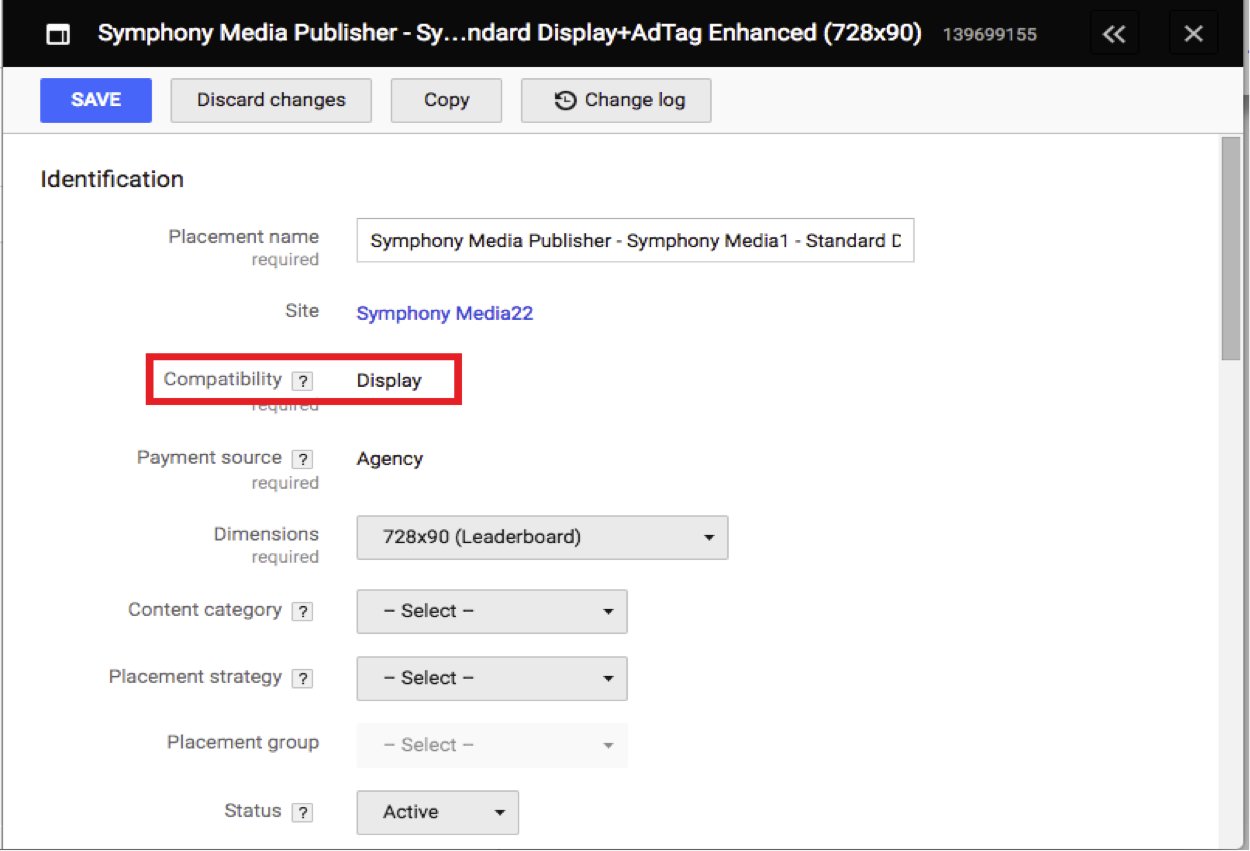
For a line item to have the compatibility in-stream video in GCM, the ad unit dimensions need to be set to 1x1 and both the creative type and tracking type must be set to video. These parameters are determined when a line item is initially created in Symphony.
To manage these fields in Symphony, navigate to the media schedule tab of the campaign, select the line item using the tick box and click edit at the bottom right corner.
This will open the popup window below where the dimensions, creative type and tracking type are highlighted.
The tracking type can be edited after an item has been created but the creative type and dimensions cannot. Tracking type can be bulk updated (rather than updating one by one) for existing items via the standard data export feature.
Comments
0 comments
Please sign in to leave a comment.